
How to prevent double bookings in your calendar
A double booking costs you more than ten minutes of running late. It costs trust. These four steps take most of the risk away.
Work from one calendar
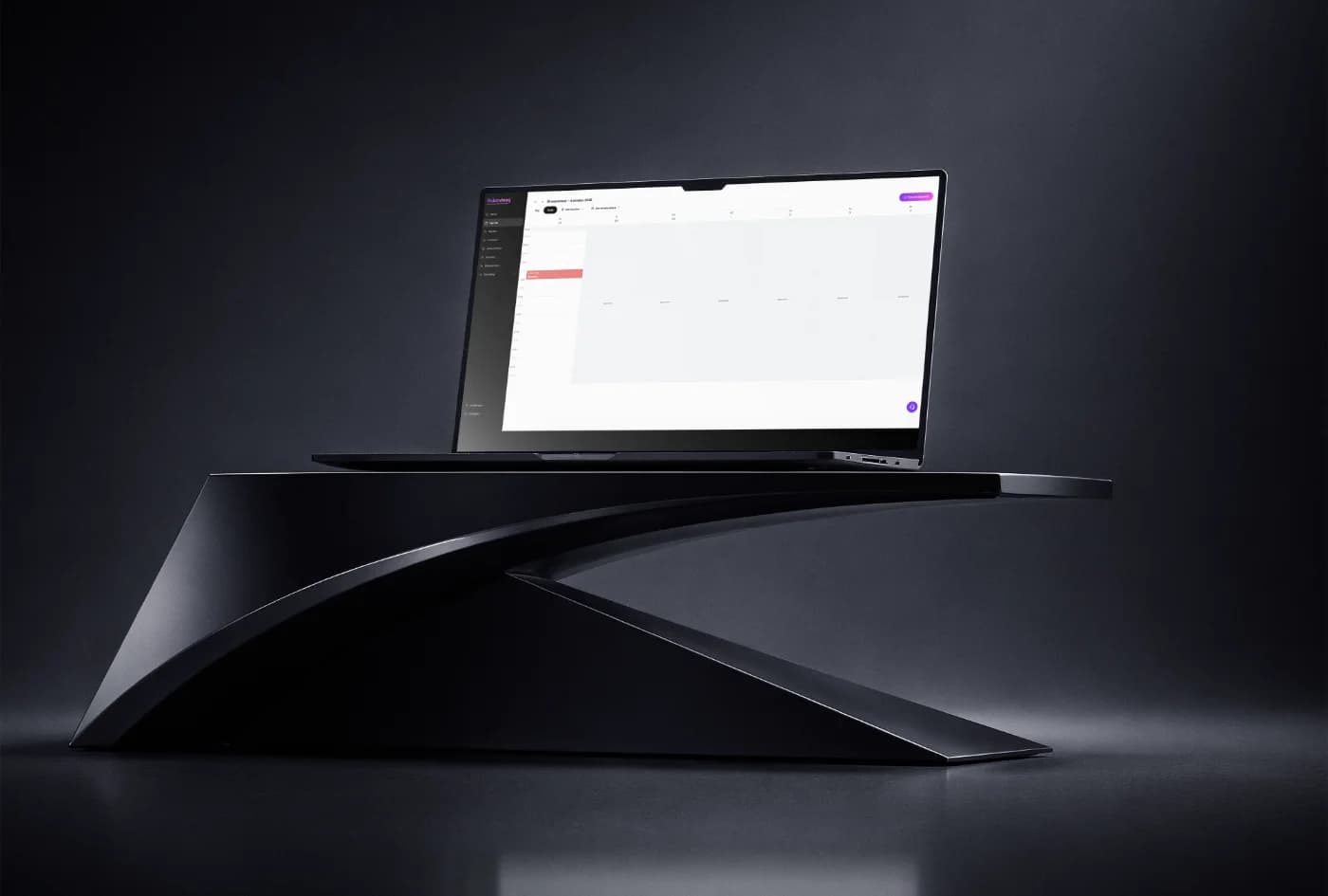
As long as you write phone bookings in a paper diary and online bookings in a system, you'll always be playing catch-up. Put everything in the same calendar, including the appointments you take yourself. Only then is the availability your customer sees online accurate.
Set your availability per staff member
A salon doesn't book by space, it books by people. Link each service to the staff members who perform it and set working hours per staff member and fixed breaks for the salon. That way a customer can't book with someone who has that afternoon off.
Allow for cleaning and overrun time
The treatment takes forty minutes, but so does tidying up, advising and checking out. Reserve that time in the service itself instead of quietly squeezing it in. Your calendar becomes more realistic and you run late less often.
Let customers make changes themselves
Rescheduling via WhatsApp means someone has to copy it over by hand, and that's where it goes wrong. Give customers a link to reschedule or cancel themselves. The calendar updates immediately and you don't have to remember anything.
Related articles


Try Salondesq 7 days free
Cancel within the trial and you pay nothing.